Short answer
You can remove a background in almost any app you already use, but not all of them for free. Photoshop, Illustrator, PowerPoint, Word, Paint and the iPhone's Photos app have a one-click remover built in. Canva, Figma and Google Slides have one on paid plans only. GIMP and Procreate have none, only manual selection tools. Whichever you use, save the result as a PNG, because a JPG turns the transparent area white.
You can remove a background in almost any app you already use, and in most of them it now takes one click. The differences are in the small print: some apps charge for the button, some cap the resolution, some process your photo on their servers, and a few have no remover at all and expect you to draw the outline yourself. This page is the overview. The table says what each app offers, and each app has its own step-by-step guide linked below.
Everything in the table was checked against each maker’s own help pages on 16 September 2026. Apps change their plans and buttons often, so where a detail is uncertain, the app’s guide says so.
Remove a background in any app: the comparison
| App | Built-in remover | What it costs | Where the picture is processed |
|---|---|---|---|
| GIMP | No; Foreground Select and Fuzzy Select by hand | Free | On your computer |
| Canva | BG Remover | Paid plans only; transparent download also paid | On Canva’s servers; uploads stay in your account |
| Photoshop | Remove Background, Select Subject | Subscription | Your choice: Device or Cloud, in Preferences |
| iPhone and iPad | Lift subject: touch and hold in Photos | Free, iOS 16 or later | Apple’s guide does not say |
| Illustrator | Remove Background, listed with Adobe’s generative AI features | Subscription | Adobe’s help page does not say |
| PowerPoint | Picture Format, Remove Background | Microsoft 365, Office 2021 or 2024 | Microsoft’s help page does not say |
| Google Slides | Edit image, Remove background | Eligible paid Workspace or Google AI plan | By Google; the file lives in Google Drive |
| Paint | Remove background button | Free with Windows 11 | Microsoft’s page does not say |
| Figma | Remove background (Figma AI) | Paid plans, uses AI credits | Online, through Figma AI |
| Procreate | No; Automatic selection and masks | Paid app | On the iPad |
| Photopea | Remove BG, Magic Cut | Free with ads; Premium removes them | Editor in your browser; Remove BG uses an outside service |
| Word | Remove Background, Set Transparent Color | Microsoft 365, Office 2021 or 2024 | Microsoft’s help page does not say |
“Does not say” is meant literally: the maker’s help page for the feature, read on 16 September 2026, does not state where the processing happens, and this guide does not guess.
How to choose: three questions
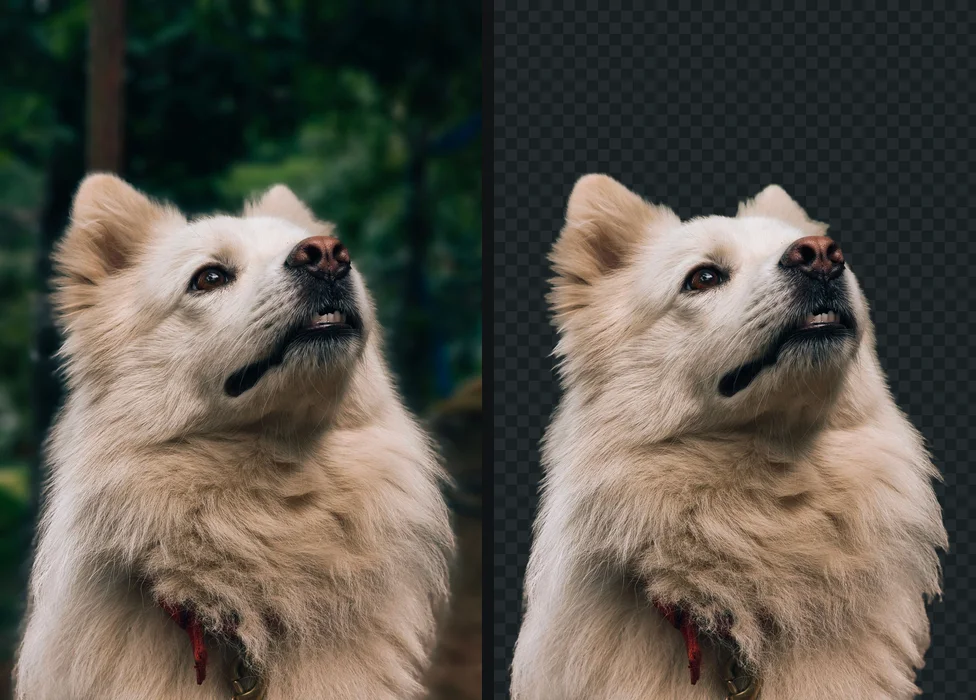
Do you already pay for an app that has a remover? Then use it. Photoshop, Canva Pro, Figma on a paid plan and Microsoft 365 all include one, and the result stays inside the document you are working on, which saves an export and an import.
Does the picture need to stay private? A photo of a child, a customer’s product before launch, a scanned ID: for these, where the processing happens matters more than the quality of the edge. Prefer a tool that works on your device, or check the setting that decides it, as in Photoshop.
How good does the edge have to be? A slide or a social post forgives a rough outline. A product photo on a marketplace, a headshot on a website, or anything printed large shows every halo. For hair and fur, the photo editors (Photoshop, GIMP, Photopea) give you tools to fix the edge by hand; the office apps do not.
Photo editors: GIMP, Photoshop, Photopea
These give the most control, because the result is a mask or a selection you can keep refining.
Photoshop has the most automated version. The Remove Background quick action hides the background with a layer mask in one click, Select Subject gives you a selection instead, and Select and Mask with Refine Hair handles the hard part. A preference decides whether detection runs on your computer or on Adobe’s servers. The full steps are in removing a background in Photoshop.
GIMP is free and runs entirely on your computer, but has no automatic subject detection. Foreground Select comes closest: you outline the subject roughly, paint over it, and GIMP works out the edge. The step people miss is adding an alpha channel first; without it, deleted pixels turn white. Removing a background in GIMP covers which tool suits which picture.
Photopea copies Photoshop’s layout in a browser tab and is free with ads. Its Remove BG command is one click, but the developer has said it is processed by an outside company, paid per use, and free users watch a short video ad for it. Magic Cut and Refine Edge are guided alternatives that are not among those commands. See removing a background in Photopea.
Design tools: Canva, Figma, Illustrator
Canva has one of the best-known removers, BG Remover, and it is a paid plan feature. So is downloading a design with a transparent background. Canva also states that a photo over 10 megapixels is downscaled to 10 megapixels after its background is removed. Free users can still upload a PNG that is already transparent and design with it. Removing a background in Canva covers both plans.
Figma has a Remove background button for images, as a Figma AI feature on paid plans that draws on AI credits. On the free Starter plan, the route is a mask or a cutout made elsewhere. The details are in removing a background in Figma.
Illustrator is a vector program, but it now has a Remove Background command for placed images, in the Contextual Task Bar and the Object menu, which Adobe lists among its generative AI features. For logos, tracing the image into vector shapes is often the better answer; removing a background in Illustrator compares the two.
Office and presentation apps: PowerPoint, Word, Google Slides
PowerPoint and Word share the same tool: select the picture, Picture Format > Remove Background. Office marks the background in magenta; you correct it with Mark Areas to Keep and Mark Areas to Remove, then Keep Changes. It does not work on vector pictures such as SVGs. To get the cutout out of the document as a file, right-click it and choose Save as Picture, then pick PNG. See removing a background in PowerPoint and making a picture transparent in Word, which also covers the older Set Transparent Color.
Google Slides gained a remover through Gemini: click the image, then Edit image, then Remove background. Google’s help page says it needs an eligible Google Workspace or Google AI subscription, so a free Google account does not have it. The transparency slider in Format options is not a substitute: it fades the whole image. Removing a background in Google Slides has both routes.
Phones, tablets and Windows: iPhone, Procreate, Paint
iPhone and iPad can lift a subject straight out of a photo: open it in Photos, touch and hold the subject until an outline appears, then Copy, Share or drag it into another app. It is free, quick and good on clear subjects, with less control over the edge than an editor. See removing a background on iPhone.
Procreate has no one-tap remover. Selections (including Automatic) and layer masks do the job by hand, and Procreate’s own help suggests lifting the subject in Apple Photos and dragging it in on a compatible iPad. Removing a background in Procreate has the steps and the export that keeps transparency.
Paint on Windows 11 has a Remove background button in the toolbar, which works on the whole canvas or on a rectangle you select. It replaced the old advice about Paint 3D, which Microsoft removed from its Store in November 2024. The catch with Paint is saving: making a background transparent in Paint explains which file actually keeps transparency.
What goes wrong in every app
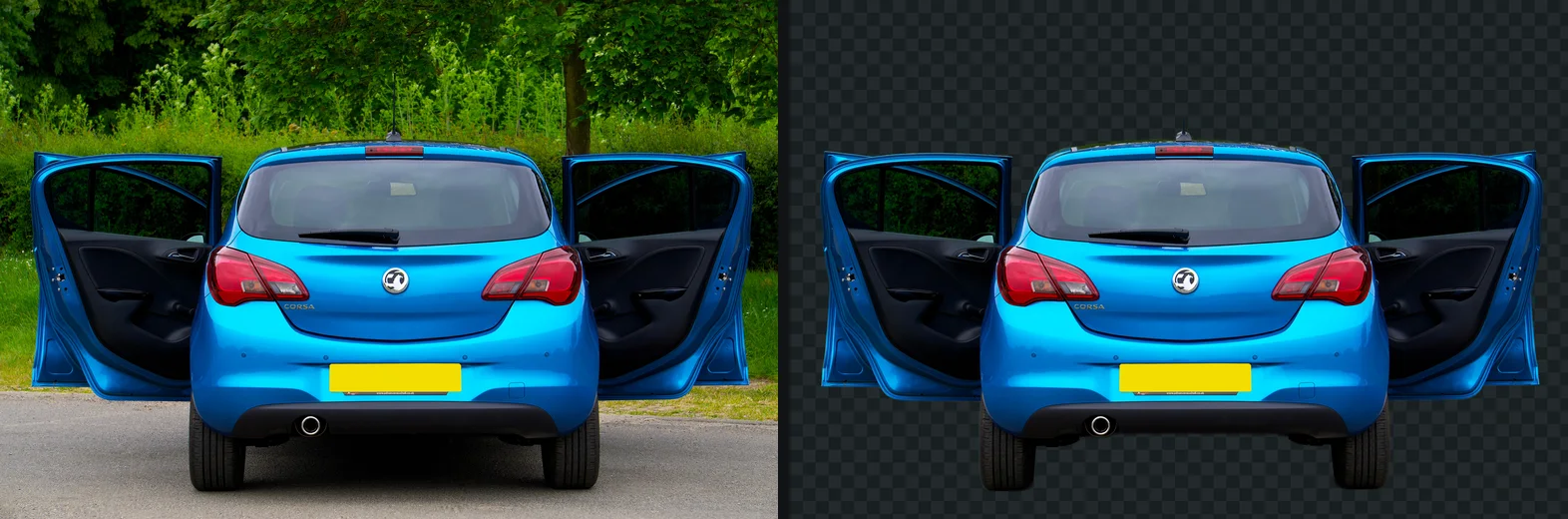
The same five mistakes cause most failed cutouts, whichever app made them.
- Saving as JPG. JPG has no transparency, so every app fills the empty area with white. Save or export as PNG. What a transparent background is explains which formats can hold one.
- A background layer still visible. Photoshop, GIMP, Photopea and Procreate all start with a background layer or colour. If it is visible at export, it is baked into the file.
- Pasting instead of inserting. Copying between apps often drops transparency on the way. Save the PNG, then insert the file.
- A halo around the edge. A pale or dark line is the old background colour mixed into the edge pixels. The white halo guide has the fix for each app.
- A checkerboard that will not go away. If the checkerboard is still there on a white page, it was painted into the picture: a fake transparent PNG.
When you are not sure whether a file is really transparent, drag it into a browser tab. The page colour showing around the subject means it is; white or black means it is not, or that the app showing it flattens transparency, which a PNG with a black or white background sorts out.
Where your picture goes
Removing a background is image analysis, and it happens somewhere: on your device, or on a server. The table above says where for each app, as far as the maker states it. The short version: desktop editors with manual tools work on your computer; Canva is a cloud editor and stores what you upload; Photoshop lets you choose; Photopea’s one-click commands use an outside service even though the rest of the editor stays in your browser.
For most pictures this does not matter. For the ones where it does, is it safe to upload photos online compares what popular online removers say they do with your file, and checking that a website is not uploading your photos shows how to see it for yourself in the browser’s network tab.
The same gap opens one step further on. Plenty of apps that happily place a picture cannot turn one into vector shapes either, which is the job a logo needs before it goes on a sign or a shirt. getSVG’s apps with no tracer is the equivalent list for that, app by app.
The free way
Make the cutout once, use it in any app
If your app has no remover, charges for it, or sends the photo somewhere, make the cutout first: drop the photo on getPNG and download a transparent PNG at the full resolution of the original, free, with no account. Then insert that PNG into Canva, Slides, Word, Figma or anything else that takes a picture. The cutout runs in your browser, on your device.
Remove a background in the app you already use: every guide
Which apps have a background remover built in, which hide it behind a subscription, and which have none at all, with the steps for each and the free way when the app cannot do it.
- How to remove a background in GIMPForeground Select, Fuzzy Select, the alpha channel and the PNG export, in GIMP 3
- How to remove a background in Canva, on any planThe remover is a Pro feature; what the free plan can do instead
- How to remove a background in PhotoshopRemove Background, Select Subject, hair, and exporting with transparency
- How to remove the background from an image or picture on iPhoneLift the subject in Photos and Files, and where that runs out
- How to remove a background in IllustratorThe generative Remove Background, clipping masks, and when a vector app is the wrong place
- How to remove a background in PowerPointRemove Background, marking areas to keep and remove, saving as PNG
- How to remove a background in Google SlidesThe paid Remove background, and what the free account can do instead
- How to make a background transparent in PaintThe new Remove background button, and why transparent selection alone saves nothing
- How to remove a background in FigmaMasks, plugins, and exporting a PNG that keeps its alpha
- How to remove a background in ProcreateSelections and layer masks on iPad, then a PNG export
- How to remove a background in PhotopeaThe free Photoshop lookalike in a browser tab, step by step
- How to remove a background in Word, or make a picture transparentSet Transparent Color, Remove Background, and their limits
The tools for this: Remove a background in your browser, nothing uploaded, Make a transparent PNG to use in any app.
Questions
Which free app removes a background best?
For one click, Paint on Windows 11 and Photos on an iPhone are free and built in; Photopea is free in a browser but its Remove BG asks free users to watch an ad and uses an outside service. For full control, GIMP is free and runs on your computer, but has no automatic subject detection. A browser-based remover that runs on your device is the quickest free option for a photo.
Can I remove a background in Word or PowerPoint?
Yes. Select the picture, then Picture Format > Remove Background. Microsoft marks the background in magenta; use Mark Areas to Keep and Mark Areas to Remove to correct it, then Keep Changes. Right-click the picture and choose Save as Picture to get a PNG. It is in Microsoft 365 and Office 2021 and 2024, on Windows and Mac.
Can I remove a background in Canva for free?
No. Canva's BG Remover and its transparent PNG download are both paid plan features as of September 2026. On the free plan, you can upload a PNG that is already transparent and design with it.
Does Google Slides have a background remover?
Yes, but only with an eligible paid Google Workspace or Google AI subscription: click the image, then Edit image > Remove background. On a free Google account there is no remover, and the transparency setting in Format options fades the whole image rather than removing the background.
Why does my cutout have a white background after I save it?
The file was saved as JPG, which cannot store transparency, or a background layer was still visible, or the picture was pasted into another app that flattens transparency. Save or export as PNG, hide any layer behind the subject, and insert the file instead of pasting it.
Which apps upload my photo to remove the background?
Canva stores everything in your account and removes backgrounds on its servers. Photoshop sends the image to Adobe only if Select Subject and Remove Background is set to Cloud in Preferences. Photopea's editor runs in the browser, but its developer says Remove BG uses an outside service. GIMP and Procreate's manual tools work on your own device.