Passport photo maker
Your own photo cut to the official size, with the head where the rules want it and a 4×6 print sheet. Never retouched, and the photo never leaves this device.
How to make a passport photo at home
- Take the photo against a plain, light wall. Stand about a metre in front of it, face a window or two even lamps, and have someone else take the photo from a couple of metres away at eye level, head and shoulders in the frame with space above the head.
- Drop it here and choose the document. The photo is cut to that document's size and the head is placed automatically.
- Check the guides. The top of the head goes in the upper band and the chin in the lower one. Drag the photo or change Head size until they sit there.
- Download. The photo on its own for an online application, or a 4×6 inch print sheet to print at a photo kiosk and cut out.
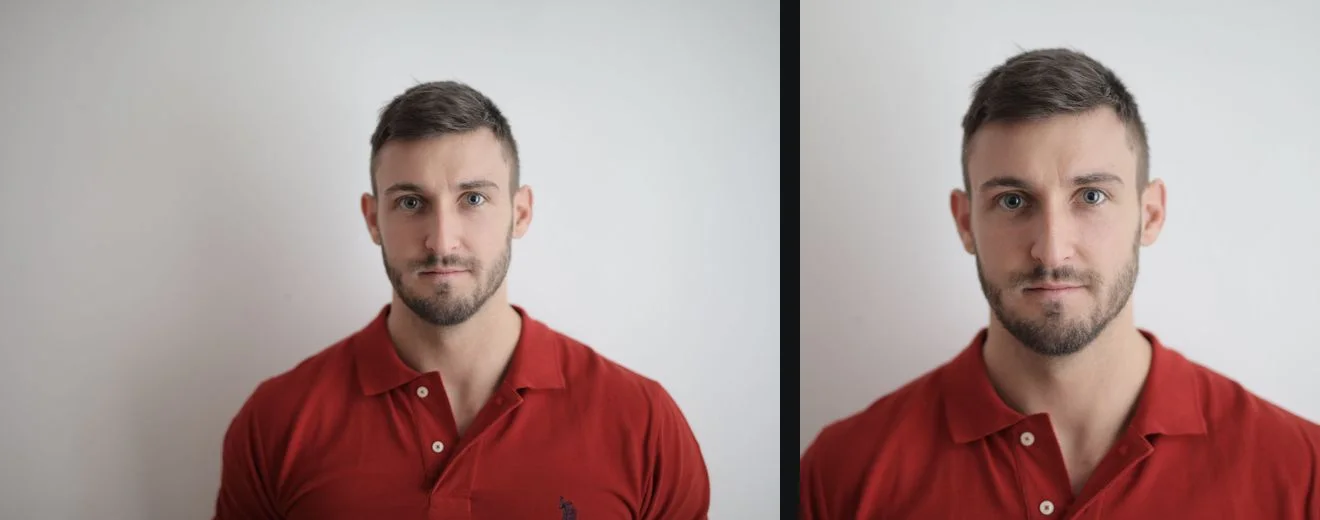
Why it never changes the background
Most passport offices reject a photo whose background was edited. The US State Department lists a background removed with a retouching tool as unacceptable, and the UK asks for photos unaltered by computer software. So this tool uses background removal only to find your head and to look at the wall behind you. The file it saves is your original photo, cropped and scaled, with every pixel as the camera recorded it. If the wall is too dark or uneven, the checklist says so and the answer is a new photo, not an edit. Passport photo backgrounds explains the rules and how to get the wall right.
Documents and sizes
Read on the official pages on 17 September 2026. Always check the page you apply through, because it is the one that counts.
| Document | Size | Head, chin to crown | Background |
|---|---|---|---|
| US passport (2×2 in) | 50.8×50.8 mm | 25.4 to 34.9 mm | plain white or off-white |
| US visa, DS-160, DV lottery | 50.8×50.8 mm, 600×600 px | 25.4 to 35 mm | plain white or off-white |
| UK passport (35×45 mm) | 35×45 mm | 29 to 34 mm | plain cream or light grey |
| Canadian passport (50×70 mm) | 50×70 mm | 31 to 36 mm | plain white or light-coloured |
| Australian passport (35×45 mm) | 35×45 mm | 32 to 36 mm | plain white or light grey |
| Irish passport (35×45 mm) | 35×45 mm, 715×951 px | not stated | completely plain light grey, white or cream, with enough contrast |
| French passport (35×45 mm) | 35×45 mm | 32 to 36 mm, without hair | plain and light, such as light blue or light grey; white is not allowed |
| Schengen visa (35×45 mm) | 35×45 mm | 32 to 36 mm | plain and light |
| Indian passport (35×45 mm) | 35×45 mm, 630×810 px | the face takes up 80 to 85 percent of the photo | white |
| Indian visa and e-Visa (square) | 50.8×50.8 mm, 600×600 px | 25.4 to 35 mm | plain light-coloured or white, no shadows, no border |
| OCI card (51×51 mm) | 51×51 mm, 600×600 px | 25.4 to 35 mm | plain light colour, not white |
| Chinese visa (33×48 mm) | 33×48 mm, 420×560 px | 28 to 33 mm | white or close to white, no border |
The Canadian size is there to check framing only: Canada accepts passport photos from a commercial photographer alone, as Canadian passport photo requirements explains. Not included: German passports, which since 1 May 2025 need a photo taken at the authority or sent digitally by a registered photographer, and Japanese and Brazilian visas, where the size depends on the consulate.
Printing the sheet
Order the sheet as an ordinary 4×6 inch (10×15 cm) photo print at a kiosk, a pharmacy or an online lab. Choose 100 percent or "no cropping" and no border, so the photos come out at their real size, then cut along the thin grey lines. Measure one photo with a ruler before you hand it in.
Guides that go further
Part of cutouts for a purpose. Tested steps, the rules each place sets, and what to do when a cutout is not right.
- Passport and ID photos: getting the background rightPassport photo background rules for the US, UK and EU, checked September 2026, and why most passport offices reject an edited background. What to do instead.
- Which photo background for which use: shops, profiles, IDs and moreWhich photo background to use for Amazon, Etsy, eBay, Shopify, LinkedIn, passports, thumbnails and stickers, with each rule checked at its source.
- Is it safe to upload photos to online converters and background removers?Is CloudConvert safe? Is remove.bg safe? What CloudConvert, Convertio, ezgif, remove.bg and Photoroom say about your uploads, checked 16 September 2026.
- How to check that a website is not uploading your photosHow to check if a website uploads your photos, using the network tab in Chrome, Edge, Firefox and Safari plus an offline test. Two minutes, no tools to install.
Questions
Can I make a passport photo at home?
Yes, for most documents. Take the photo against a plain light wall in even light, choose the document here, check the head against the guides and download the photo or a 4x6 print sheet. Germany, for one, only accepts photos taken at the authority or by a registered photographer, so check the official page first.
Does it change the background of my photo?
No. Most passport offices reject an edited background, so the saved file is your original photo, only cropped and scaled. Background removal is used to find your head and to check the wall behind you; if the wall is too dark or uneven, retake the photo.
Does this check that my photo will be accepted?
No. It sets the size, places the head and checks that the wall looks light and plain. It cannot judge your expression, the light on your face, glasses or a tilted head, and the office that issues the document makes the final decision.
How do I print a passport photo?
Choose Print sheet and download it. Order it as a normal 4x6 inch (10x15 cm) photo print at a kiosk, a pharmacy or an online lab, at 100 percent with no cropping or borders, then cut along the thin grey lines.
Is my photo uploaded?
No. Finding the head, the crop and the print sheet all happen inside your browser tab, and the photo is never sent to getPNG or anyone else.
Your photo never leaves this device
The AI runs in your browser, so there is no server that could receive the picture. You can check it: open the network tab while the background is removed, or switch the browser to offline after your first picture and remove another. How to check a site is not uploading your photos.